Generic filters
Automatic updates Yes
Version 3.1.1
Updated on
Virus Total See Report
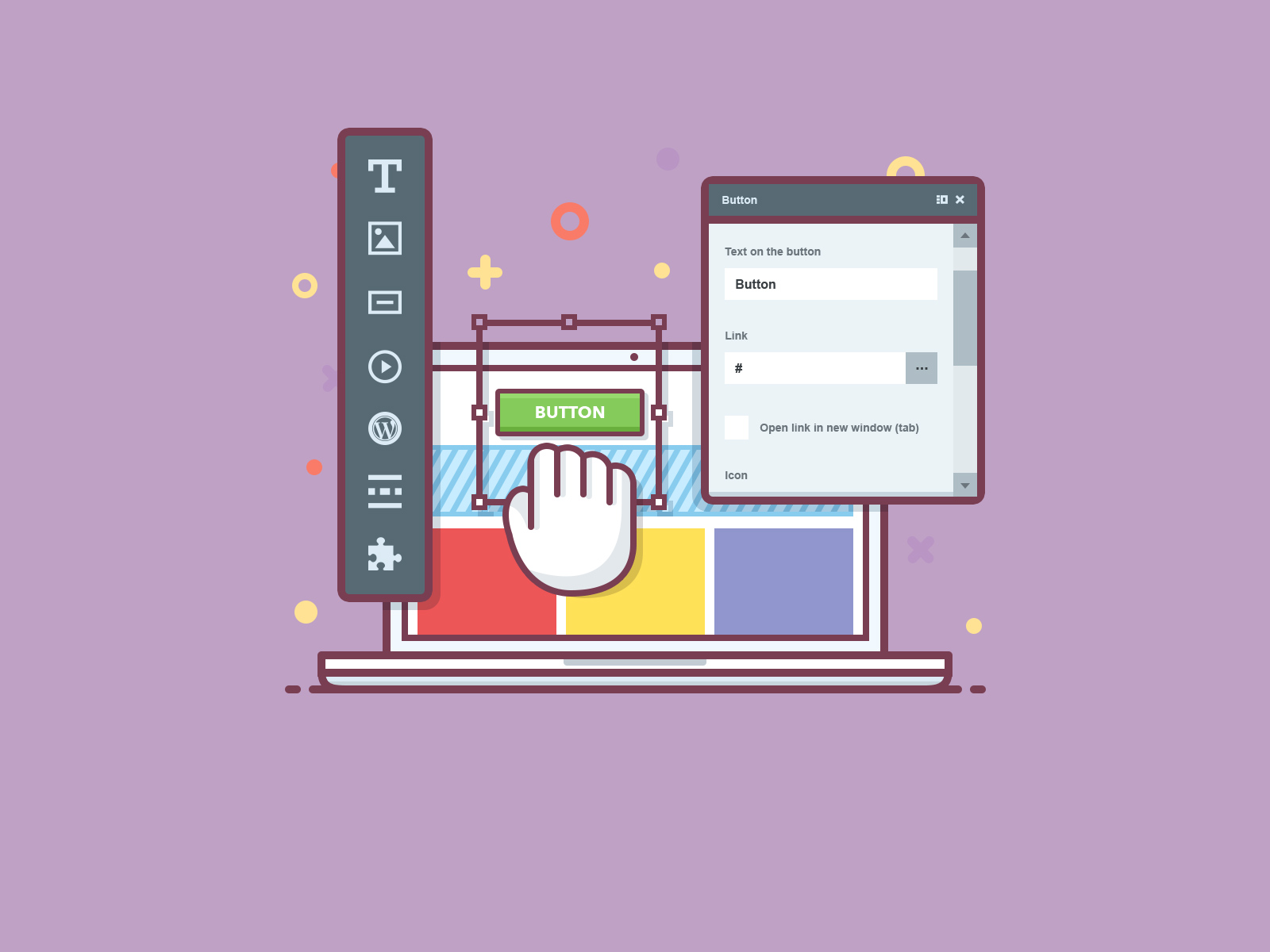
The MotoPress Content Editor is a powerful, intuitive plugin for WordPress. It enhances website creation with a drag-and-drop interface, simplifying design tasks. Users can effortlessly customize layouts, add multimedia, and optimize content. This tool, perfect for both novices and experts, transforms the editing experience, making it more efficient, and enjoyable. Elevate your site's aesthetics with this indispensable plugin.

How to download MotoPress | Content Editor

Unlimited Access

Subscribe for only €10.90

Or

Get this product only with unlimited updates

Already included languages : EN, CZ, DE, ES, IR, FR, IL, HU, IT, KR, NL, PL, BR, RO, RU, TR

We are not affiliated with MotoPress | Content Editor nor its developers or owners. Please read the full disclaimer in footer.

HOW IT WORKS

Auto updates with Club WPress plugin

Check how to install and update your WordPress plugins and themes in ONE CLICK directly from your Dashboard.

ClubWordPress Updater Plugin

Core Features of MotoPress | Content Editor

  • Drag-and-Drop Interface: Easily move and arrange content elements with a simple drag-and-drop functionality.
  • Responsive Design: Ensure your content looks great on all devices with responsive design options.
  • Pre-designed Layouts: Access a variety of pre-designed layouts to quickly build pages.
  • Customizable Elements: Customize content elements such as text, images, and buttons to fit your design needs.
  • Shortcode Support: Integrate with other plugins and themes using shortcodes.
  • SEO-Friendly: Optimize your content for search engines with built-in SEO tools.
  • Multilingual Support: Create content in multiple languages with support for multilingual plugins.
  • Template Library: Access a library of templates for various types of content and pages.
  • Inline Editing: Edit content directly on the page without switching to a separate editor.
  • Widget Integration: Use WordPress widgets within the content editor for enhanced functionality.

List of improvements in MotoPress | Content Editor version 3.1.1

  • = 3.1.1, Feb 7 2024 =
  • Improved compatibility with WordPress 6.4.
  • = 3.1.0, Jan 5 2023 =
  • Improved compatibility with PHP 8.2.
  • = 3.0.7, Dec 24 2020 =
  • Improved compatibility with WordPress 5.6.
  • Improved compatibility with PHP 7.4.
  • Minor bugfixes and improvements.
  • = 3.0.6, Feb 18 2020 =
  • Improved compatibility with WordPress 5.3.
  • = 3.0.5, Oct 11 2019 =
  • Improved compatibility with PHP 7.3.
  • Added support for WordPress 5.0
  • Bug fix: fixed an issue with the Chart widget.
  • = 3.0.4, Nov 12 2018 =
  • Improved compatibility with NextGen Gallery plugin and PHP 7.2.
  • = 3.0.3, Jul 30 2018 =
  • Rolled back the left content modules panel requested by users.
  • Fixed an issue with displaying a csv file format in a table.
  • = 3.0.2, Jul 6 2018 =
  • Fixed the bug with the first accordion element that was open even when not chosen.
  • Categorized widgets in the panel of adding the widget.
  • Implemented a new duplicate element option for such widgets as accordion, tabs, etc. Now you can duplicate custom set elements and just change their content.
  • Fixed the license page.
  • = 3.0.1, Jun 27 2018 =
  • Bug fix: fixed an issue with the Embed widget not rendering shortcodes.
  • = 3.0.0, Jun 21 2018 =
  • This is a major update with a new builder interface and features. We recommend you to back up your site before updating the plugin.
  • New builder interface.
  • Faster builder loading time.
  • Tablet and mobile website editing in real time.
  • Revisions to view and restore previous content updates.
  • Drag & drop + Click to Add options to move the content objects around easier and more accurate.
  • The ability to save and reuse widgets, sections and pages.
  • = 2.5.2 =
  • Bug fix: fixed an issue with the Audio Player widget.
  • = 2.5.1 =
  • Bug fix: fixed the issue with broken images.
  • = 2.5.0 =
  • Added the ability to add and edit the images inside a text object.
  • Added the ability of deleting and duplicating rows and columns.
  • Interface redesign.
  • = 2.4.0 =
  • Plugin localization moved from JSON to WordPress native PO/MO format.
  • Minor bugfixes and improvements.
  • = 2.3.0 =
  • New version of plugin updater code.
  • Improved compatibility with PHP 7.
  • = 2.2.0 =
  • Added the ability to save content without shortcodes when the plugin is deactivated.
...
>

Join Club WPress Now !

Get access to 19346 products for only €10,90 per month.

JOIN NOW

Reviews