

Generic filters
Automatic updates Yes
Version 1.4.4
Updated on
Virus Total See Report

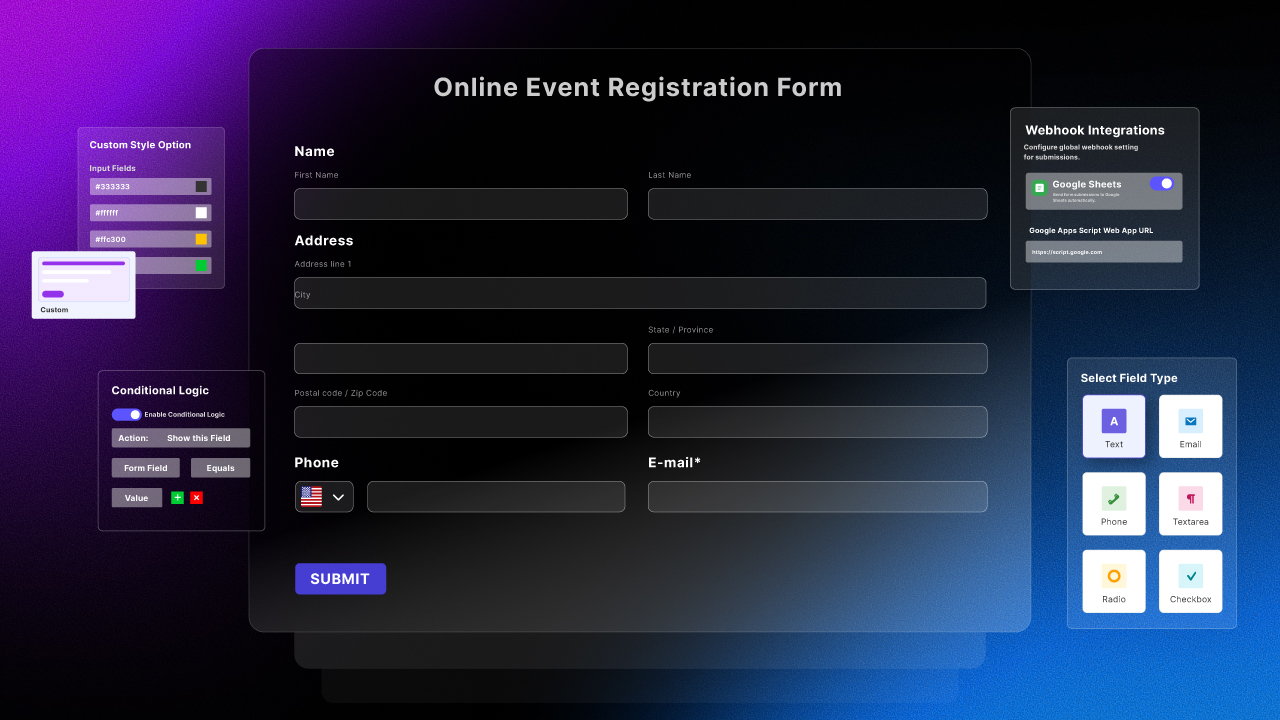
BdThemes | Sigma Forms Pro is an innovative, user-friendly WordPress plugin, designed for creating stunning, customizable forms with ease. Its intuitive interface, robust features, and seamless integration make it a quintessential tool for any website. Enhance your site's functionality, streamline data collection, and elevate user interaction with this indispensable, avant-garde plugin.

How to download BdThemes | Sigma Forms Pro

Unlimited Access

Subscribe for only €10.90

Or

Get this product only with unlimited updates

Already included languages : EN

We are not affiliated with BdThemes | Sigma Forms Pro nor its developers or owners. Please read the full disclaimer in footer.

HOW IT WORKS

Auto updates with Club WPress plugin

Check how to install and update your WordPress plugins and themes in ONE CLICK directly from your Dashboard.

ClubWordPress Updater Plugin

Core Features of BdThemes | Sigma Forms Pro

  • Drag and Drop Form Builder: Easily create forms with a user-friendly drag and drop interface.
  • Responsive Design: Ensure your forms look great on all devices, including mobile, tablet, and desktop.
  • Pre-built Templates: Access a variety of pre-designed form templates to quickly get started.
  • Conditional Logic: Show or hide form fields based on user input to create dynamic forms.
  • Email Notifications: Receive instant email alerts when a form is submitted.
  • Spam Protection: Protect your forms from spam with built-in CAPTCHA and reCAPTCHA support.
  • Customizable Fields: Add and customize various field types, including text, email, dropdowns, and more.
  • File Uploads: Allow users to upload files directly through your forms.
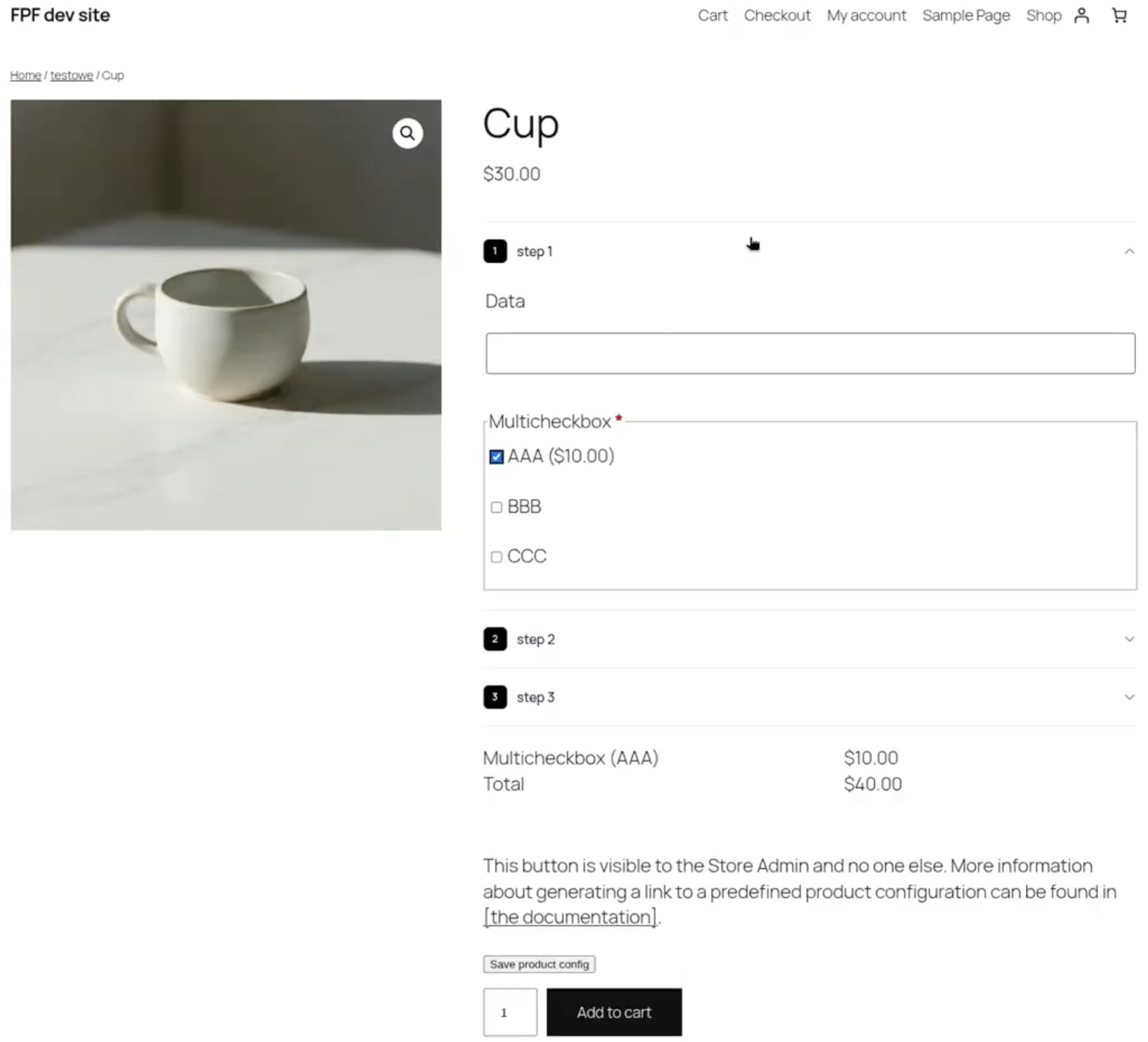
  • Multi-step Forms: Break long forms into multiple steps to improve user experience.
  • Integration with Third-party Services: Connect your forms with popular services like Mailchimp, Google Sheets, and more.
  • Form Analytics: Track form performance and user interactions with built-in analytics.
  • Customizable Form Styles: Personalize the appearance of your forms to match your website’s design.
  • Export and Import Forms: Easily export and import forms for use on different websites.
  • User Registration and Login Forms: Create custom registration and login forms for your website.
  • Payment Integration: Accept payments through your forms with integration options for payment gateways.

List of improvements in BdThemes | Sigma Forms Pro version 1.4.4

  • = 1.4.4 [25th May 2026] =
  • = Updated =
  • Made compatible with WordPress version 7.0
  • = Improved =
  • Button icon alignment across admin screens
  • = 1.4.3 [24th May 2026] =
  • = Added =
  • White label branding for Agency, Extended, Developer, and special WL licenses
  • = 1.4.2 [14th May 2026] =
  • Fixed: Admin notice styling and handling
  • = 1.4.1 [29th April 2026] =
  • = Added =
  • Export/Import Settings feature in Advanced Settings tab
  • Export all SigmaForms settings to JSON file with timestamp
  • Import settings from previously exported JSON file with automatic saving
  • Settings validation and sanitization on import for security
  • = Fixed =
  • Plugins list “Settings” link now opens SigmaForms Settings (`sigmaforms-settings`) instead of the Forms list
  • = 1.4.0 [9th April 2026] =
  • = Added =
  • Google reCAPTCHA v3 support with invisible spam protection
  • Toggle switch to enable reCAPTCHA v3 (invisible) or v2 (checkbox) modes
  • Configurable score threshold for v3 (0.0 1.0) with recommended default of 0.5
  • Real-time score-based spam detection without user interaction
  • Automatic token generation and validation for v3 submissions
  • Backward compatibility with existing reCAPTCHA v2 implementations
  • mTCaptcha support as an additional CAPTCHA provider
  • mTCaptcha global settings (enable toggle, site key, and private key)
  • mTCaptcha availability in Form Editor Security tab when configured
  • Frontend mTCaptcha widget rendering and server-side token verification
  • Customizable Page Break settings for multi-step forms
  • Custom “Next Button Text” for page breaks — supports any language for translation
  • Custom “Previous Button Text” for page breaks — supports any language for translation
  • Custom “Step Indicator Format” with {current} and {total} placeholders for multilingual support
  • Color customization for multi-step navigation — background and text colors for Next/Previous buttons, text color for step indicator
  • Customizable validation message for page breaks — define the alert shown when required fields are not filled before advancing to the next step, with full multilingual support
  • Textarea field height option — define a custom pixel height for any Textarea field that is applied on frontend render
  • Maximum file count option for File Upload fields — set a numeric limit on how many files can be uploaded when “Allow Multiple Files” is enabled
  • “Add more files” button on the frontend — after uploading files, users can incrementally add more until the maximum limit is reached
  • Remaining file count indicator shown alongside the “Add more files” button
  • Maximum file limit hint displayed inside the upload area before any files are selected
  • = Fixed =
  • CAPTCHA now properly appears only on the last step of multi-step forms before the submit button
  • = 1.3.1 [31st March 2026] =
  • = Updated =
  • Migrated plugin option prefix from `saigf_` to `sf_` for improved consistency and brevity
  • All plugin settings and configurations now use the new `sf_` prefix throughout the codebase
  • = 1.3.0 [24th March 2026] =
  • = Added =
  • Multiple file upload support for File Upload fields
...
>

Join Club WPress Now !

Get access to 19367 products for only €10,90 per month.

JOIN NOW

Reviews