



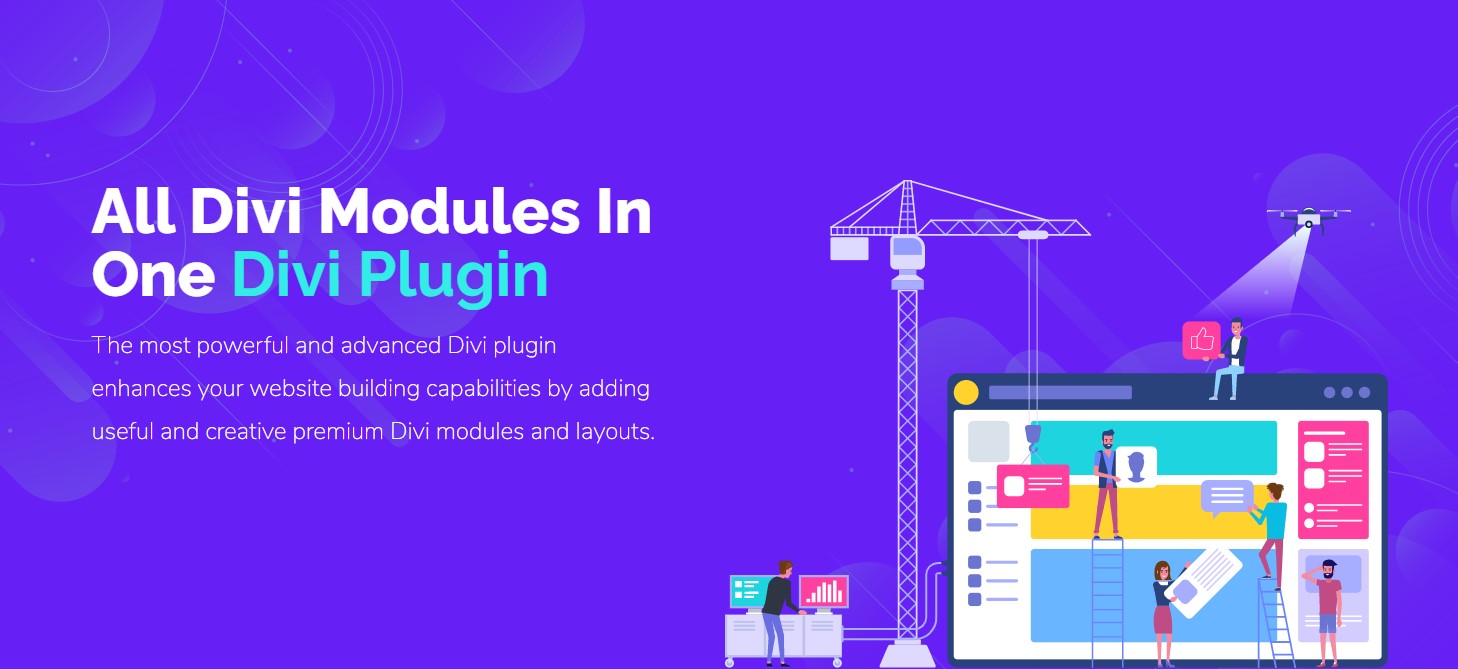

DiviFlash: The Ultimate WordPress Plugin
WordPress has revolutionized the way websites are built and managed. With its extensive range of plugins, it offers endless possibilities for customization and functionality. One such plugin that stands out is DiviFlash. This article delves into the features, benefits, and uses of DiviFlash, making it an essential tool for WordPress users.
What is DiviFlash?
DiviFlash is a powerful WordPress plugin designed to enhance the capabilities of the Divi theme. Developed by Elegant Themes, Divi is one of the most popular WordPress themes, known for its flexibility and ease of use. DiviFlash takes this a step further by providing additional modules, layouts, and functionalities that make website building even more intuitive and versatile.
Key Features of DiviFlash
DiviFlash comes packed with a plethora of features that make it a must-have for any Divi theme user. Here are some of the key features:
- Advanced Modules: DiviFlash offers a wide range of advanced modules that are not available in the standard Divi theme. These modules include sliders, carousels, galleries, and more.
- Pre-designed Layouts: The plugin comes with a collection of pre-designed layouts that can be easily imported and customized to fit your needs.
- Customizable Elements: Each module and layout in DiviFlash is highly customizable, allowing you to tweak every aspect to match your brand’s identity.
- Responsive Design: All elements in DiviFlash are designed to be fully responsive, ensuring that your website looks great on all devices.
- Regular Updates: The developers of DiviFlash are committed to providing regular updates, ensuring that the plugin remains compatible with the latest versions of WordPress and Divi.
Benefits of Using DiviFlash
Using DiviFlash offers numerous benefits that can significantly enhance your website-building experience. Here are some of the most notable advantages:
- Enhanced Functionality: With its advanced modules and features, DiviFlash adds a new level of functionality to the Divi theme, allowing you to create more dynamic and engaging websites.
- Time-Saving: The pre-designed layouts and customizable elements save you a significant amount of time, enabling you to build professional-looking websites quickly and efficiently.
- Improved User Experience: The responsive design and advanced modules ensure that your website provides an excellent user experience, regardless of the device being used.
- Cost-Effective: By offering a wide range of features in a single plugin, DiviFlash eliminates the need for multiple plugins, making it a cost-effective solution for website building.
- Regular Updates and Support: The commitment to regular updates and customer support ensures that you always have access to the latest features and assistance when needed.
How to Install and Use DiviFlash
Installing and using DiviFlash is a straightforward process. Follow these steps to get started:
- Purchase and Download: First, purchase the DiviFlash plugin from the official website and download the plugin file to your computer.
- Upload and Install: Log in to your WordPress dashboard, navigate to the Plugins section, and click on “Add New.” Then, click on “Upload Plugin” and select the DiviFlash file you downloaded. Click “Install Now” and then “Activate” to enable the plugin.
- Access DiviFlash Modules: Once activated, you can access the DiviFlash modules from the Divi Builder. Simply create a new page or edit an existing one, and you will see the new modules available for use.
- Customize and Build: Drag and drop the desired modules into your layout and customize them to fit your needs. You can adjust settings, add content, and style each module to match your website’s design.
- Save and Publish: After customizing your layout, save your changes and publish the page. Your new, enhanced website is now live!
Popular DiviFlash Modules
DiviFlash offers a variety of modules that cater to different needs and preferences. Here are some of the most popular modules:
- Slider Module: Create stunning image and content sliders with advanced customization options.
- Carousel Module: Display multiple items in a rotating carousel, perfect for showcasing products, testimonials, or portfolio items.
- Gallery Module: Build beautiful image galleries with various layout options and lightbox effects.
- Accordion Module: Organize content in a collapsible accordion format, ideal for FAQs or detailed information.
- Tabs Module: Create tabbed content sections to display information in a compact and organized manner.
Use Cases for DiviFlash
DiviFlash is versatile and can be used for a wide range of website types and purposes. Here are some common use cases:
- Business Websites: Enhance your business website with professional sliders, carousels, and galleries to showcase your products and services.
- Portfolio Websites: Use the gallery and carousel modules to display your work in an engaging and visually appealing manner.
- Blogs: Organize your blog content with accordion and tabs modules, making it easier for readers to navigate and find information.
- E-commerce Websites: Highlight your products with sliders and carousels, and create a seamless shopping experience for your customers.
- Event Websites: Use the slider and gallery modules to promote upcoming events and share event photos and details.
Conclusion
DiviFlash is an invaluable tool for anyone using the Divi theme on their WordPress website. With its advanced modules, pre-designed layouts, and customizable elements, it offers endless possibilities for creating stunning and functional websites. Whether you’re building a business website, portfolio, blog, e-commerce site, or event page, DiviFlash has the features and flexibility to meet your needs. By enhancing the capabilities of the Divi theme, DiviFlash empowers you to take your website to the next level and deliver an exceptional user experience.
In summary, DiviFlash is a powerful, versatile, and user-friendly plugin that can significantly enhance your website-building experience. Its advanced features, time-saving pre-designed layouts, and commitment to regular updates make it a must-have for any Divi theme user. So, if you’re looking to create a professional and engaging website, DiviFlash is the ultimate WordPress plugin to help you achieve your goals.


