Generic filters
Automatic updates Yes
Version 6.0.9
Updated on
Virus Total See Report

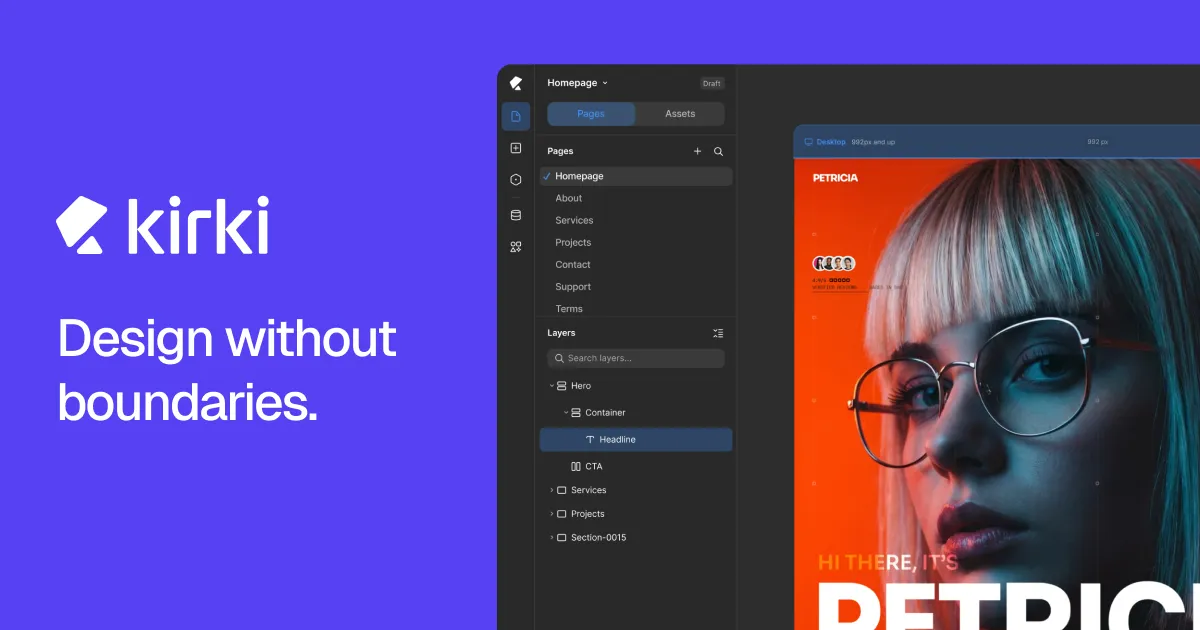
Kirki Pro is a powerful, user-friendly WordPress plugin that enhances theme customization. It offers advanced features, including custom controls, typography options, and responsive design capabilities. With its intuitive interface, developers and designers can effortlessly create, and modify, stunning websites. Elevate your WordPress experience, streamline your workflow, and unleash your creativity with Kirki Pro.

How to download Kirki Pro

Unlimited Access

Subscribe for only €10.90

Or

Get this product only with unlimited updates

Already included languages : EN

We are not affiliated with Kirki Pro nor its developers or owners. Please read the full disclaimer in footer.

HOW IT WORKS

Auto updates with Club WPress plugin

Check how to install and update your WordPress plugins and themes in ONE CLICK directly from your Dashboard.

ClubWordPress Updater Plugin

Core Features of Kirki Pro

  • Custom Controls: Offers a wide range of custom controls to enhance the WordPress Customizer.
  • Responsive Controls: Allows for responsive design adjustments directly from the Customizer.
  • Typography Controls: Provides advanced typography options, including Google Fonts integration.
  • Color Palettes: Enables the creation and management of custom color palettes.
  • Advanced Backgrounds: Supports complex background settings with multiple layers.
  • Conditional Logic: Allows settings to be shown or hidden based on specific conditions.
  • Custom Sections: Facilitates the addition of custom sections to the Customizer for better organization.
  • Preset Options: Offers predefined settings presets for quick customization.
  • Custom PostMessage: Enhances live preview capabilities with custom postMessage support.
  • Multilingual Support: Compatible with popular multilingual plugins for global reach.

List of improvements in Kirki Pro version 6.0.9

  • = 6.0.9 =
  • New: Added support for custom timing editing in slider animations.
  • Update: Updated the custom interaction timeline behavior for smoother editing and playback.
  • Update: Improved color picker performance and responsiveness.
  • Update: Improved comment behavior and shortcut handling.
  • Update: Updated the Kirki Apps settings design.
  • Fix: Fixed drawing issues caused by excessively large canvas sizes.
  • Fix: Fixed inconsistencies with dragging cursor and controller interactions.
  • Fix: Fixed device selection behavior when clicking outside elements.
  • Fix: Fixed fill and gradient controller positioning issues.
  • Fix: Fixed layer panel icon reset and undo behavior issues.
  • Fix: Fixed nested rich text editing and selection behavior.
  • Fix: Fixed symbol editing freeze issues after style synchronization.
  • Fix: Fixed issues caused by deleting elements during active color picking.
  • Fix: Fixed textarea height styling issues in form blocks.
  • = 6.0.8 =
  • Fix: Resolved css variable enqueue issue on the custom template pages.
  • Fix: Fixed collection pagination issue for filtered data.
  • Fix: Solved random issues.
  • = 6.0.7 =
  • Update: Centralized symbol edit canvas positioning across all symbols.
  • Update: Added viewport-aware symbol editing for tablet and mobile.
  • Update: Improved typography controls and CSS unit handling.
  • Update: Added support for special max-width values and clamp() parsing.
  • Update: Added CSS variable duplication support.
  • Update: Refactored SVG rendering with dedicated InlineSvg handling.
  • Update: Improved Liquid Glass rendering and viewport isolation.
  • Fix: Unauthenticated Limited Arbitrary File Read and Deletion via downloadZIP
  • Fix: Missing Authorization to Authenticated (Subscriber+) Sensitive Form Submission Data Exposure via ‘kirki_wp_admin_get_apis’ Action Description
  • Fix: Unauthenticated Privilege Escalation via ‘handle_forgot_password’
  • Fix: Fixed auto-scroll for unmounted selected elements in the Layers panel.
  • Fix: Rich text editing no longer blocks canvas zoom and scroll across viewports.
  • Fix: Improved overlay behavior during typing and dragging interactions.
  • Fix: Prevented tall symbol content from being clipped in symbol edit mode.
  • Fix: Resolved forgot password content and reset URL issues.
  • Fix: Corrected margin and padding value normalization.
  • Fix: Improved border width and mixed unit handling.
  • Fix: Fixed viewport activation and device delete flow issues.
  • Fix: Improved Form submission data array serialization and multiple select handling.
  • Fix: Interaction ScrollHeight and ScrollWidth property set issue.
  • = 6.0.6 =
  • Update: Enhanced the inline text editing and styling experience.
  • Update: Added support for variable mode selection in components.
  • Fix: Fixed a security vulnerability in media search.
  • Fix: Improved code preview and code editor functionality.
  • = 6.0.5 =
  • Update: Improved element comment coordinate positioning
  • Update: Enhanced island toolbar functionality
  • Update: Improved grid inline control area settings and track unit selection
  • Update: Improved navigation element functionality
...
>

Join Club WPress Now !

Get access to 19373 products for only €10,90 per month.

JOIN NOW

Reviews