



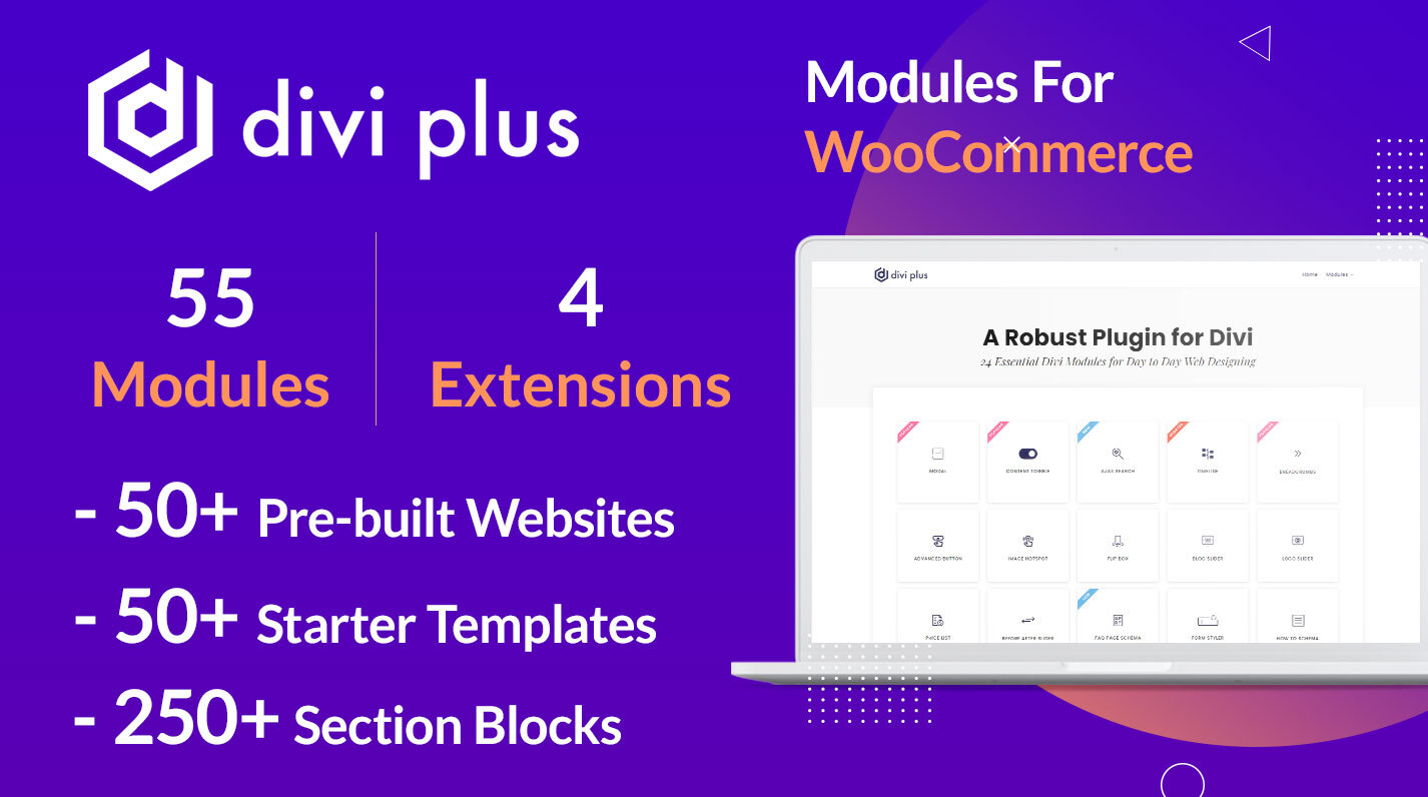

Divi Extended | Divi Plus: A Comprehensive Overview
In the world of WordPress, the Divi theme by Elegant Themes has established itself as one of the most versatile and user-friendly themes available. However, to truly unlock its potential, many users turn to plugins that extend its capabilities. One such plugin is Divi Extended | Divi Plus. This article delves into the features, benefits, and reasons why Divi Plus is a must-have for any Divi user.
What is Divi Extended | Divi Plus?
Divi Extended | Divi Plus is a powerful plugin designed to enhance the functionality of the Divi theme. It offers a wide range of modules, extensions, and features that allow users to create more dynamic and visually appealing websites. Whether you’re a beginner or an experienced web designer, Divi Plus provides the tools you need to take your website to the next level.
Key Features of Divi Extended | Divi Plus
Divi Plus comes packed with a variety of features that make it an indispensable tool for Divi users. Here are some of the key features:
- Advanced Modules: Divi Plus offers a plethora of advanced modules that are not available in the standard Divi theme. These modules include Flip Box, Image Hotspot, Timeline, and more.
- Custom Extensions: The plugin provides custom extensions that enhance the functionality of existing Divi modules. For example, the Advanced Button extension allows for more customization options than the standard button module.
- Pre-designed Layouts: Divi Plus includes a variety of pre-designed layouts that can be easily imported and customized. These layouts are perfect for users who want to quickly create professional-looking pages without starting from scratch.
- Responsive Design: All modules and layouts in Divi Plus are fully responsive, ensuring that your website looks great on all devices.
- Regular Updates: The developers of Divi Plus are committed to providing regular updates, ensuring that the plugin remains compatible with the latest version of Divi and WordPress.
Benefits of Using Divi Extended | Divi Plus
There are several benefits to using Divi Plus, including:
- Enhanced Creativity: With the wide range of modules and extensions available, Divi Plus allows users to unleash their creativity and design unique, eye-catching websites.
- Time-Saving: The pre-designed layouts and advanced modules save users a significant amount of time, allowing them to focus on other aspects of their website.
- User-Friendly: Divi Plus is designed with user-friendliness in mind. The intuitive interface makes it easy for users of all skill levels to take advantage of its features.
- Cost-Effective: Considering the extensive features and capabilities it offers, Divi Plus is a cost-effective solution for enhancing your Divi-powered website.
How to Install Divi Extended | Divi Plus
Installing Divi Plus is a straightforward process. Follow these steps to get started:
- Purchase and Download: First, purchase Divi Plus from the official website and download the plugin file.
- Upload the Plugin: Navigate to your WordPress dashboard, go to Plugins > Add New, and click on Upload Plugin. Choose the downloaded file and click Install Now.
- Activate the Plugin: Once the plugin is installed, click on Activate to enable it on your website.
- Configure Settings: After activation, you can configure the plugin settings by navigating to Divi Plus > Settings in your WordPress dashboard.
Popular Modules in Divi Extended | Divi Plus
Divi Plus offers a wide range of modules that cater to various design needs. Here are some of the most popular ones:
- Flip Box: This module allows you to create interactive flip boxes that reveal additional content when hovered over. It’s perfect for showcasing features, services, or products.
- Image Hotspot: The Image Hotspot module lets you add interactive hotspots to images, providing additional information or links when users hover over specific areas.
- Timeline: Create visually appealing timelines to showcase events, milestones, or any chronological information with the Timeline module.
- Advanced Button: The Advanced Button module offers more customization options than the standard button module, allowing you to create buttons that match your website’s design perfectly.
- Modal Popup: This module enables you to create customizable modal popups for displaying important information, forms, or promotional content.
Customer Support and Community
One of the standout features of Divi Plus is its excellent customer support. The developers provide comprehensive documentation, video tutorials, and a dedicated support team to assist users with any issues they may encounter. Additionally, there is a vibrant community of Divi Plus users who share tips, tricks, and design inspiration, making it easier for new users to get the most out of the plugin.
Conclusion
In conclusion, Divi Extended | Divi Plus is an invaluable tool for anyone using the Divi theme. Its extensive range of modules, custom extensions, and pre-designed layouts make it easy to create stunning, professional websites with minimal effort. Whether you’re a novice or an experienced web designer, Divi Plus provides the features and flexibility you need to bring your vision to life.
With its user-friendly interface, regular updates, and excellent customer support, Divi Plus is a cost-effective solution that enhances the functionality of the Divi theme. If you’re looking to take your Divi-powered website to the next level, Divi Extended | Divi Plus is a plugin worth considering.
Additional Resources
- Official Divi Plus Website
- Divi Theme by Elegant Themes
- Divi Plus YouTube Channel
- Divi Theme Users Facebook Group


