



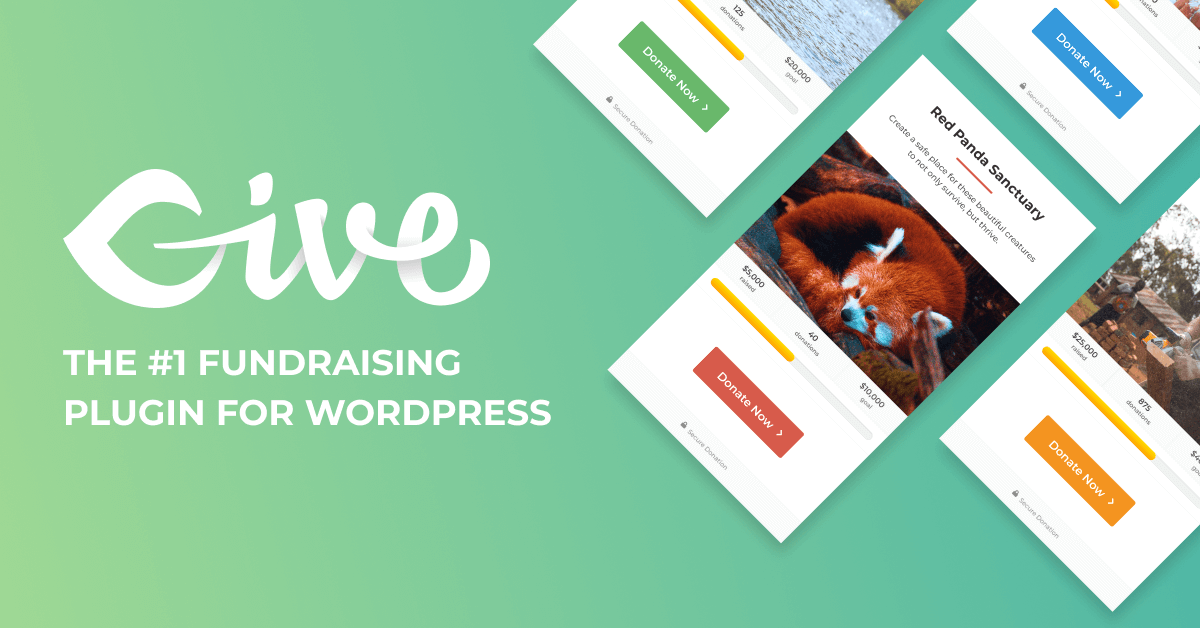

Give Donation Plugin for WordPress
WordPress has revolutionized the way websites are built and managed. One of the most powerful aspects of WordPress is its extensive library of plugins that can add a wide range of functionalities to your site. Among these, the Give Donation Plugin stands out as a robust solution for non-profits, charities, and anyone looking to accept donations online. This article delves into the features, benefits, and functionalities of the Give Donation Plugin, providing a comprehensive overview for anyone interested in leveraging this tool.
Overview of the Give Donation Plugin
The Give Donation Plugin is a WordPress plugin designed specifically to help organizations collect donations through their websites. It offers a seamless and user-friendly experience for both the site administrators and the donors. The plugin is highly customizable, allowing you to tailor the donation forms to match your brand and specific needs.
Key Features
- Customizable Donation Forms: Create and customize donation forms to fit your organization’s branding and requirements.
- Multiple Payment Gateways: Supports various payment gateways including PayPal, Stripe, and Authorize.Net.
- Recurring Donations: Enable donors to set up recurring donations to provide ongoing support.
- Donor Management: Comprehensive donor management system to track and manage donor information.
- Reporting and Analytics: Detailed reports and analytics to monitor donation performance.
- Goal Tracking: Set and track fundraising goals to measure progress.
- Customizable Receipts: Send personalized donation receipts to donors.
- Integration with Third-Party Services: Integrate with popular email marketing services, CRMs, and other tools.
Benefits of Using the Give Donation Plugin
There are numerous benefits to using the Give Donation Plugin for your WordPress site:
- Ease of Use: The plugin is designed to be user-friendly, making it easy for site administrators to set up and manage donation forms.
- Cost-Effective: The core plugin is free, with premium add-ons available for additional features.
- Flexibility: Highly customizable to fit the unique needs of different organizations.
- Enhanced Donor Experience: Provides a seamless and secure donation process for donors.
- Comprehensive Support: Extensive documentation and support to help you get the most out of the plugin.
Setting Up the Give Donation Plugin
Setting up the Give Donation Plugin is straightforward. Follow these steps to get started:
Step 1: Install and Activate the Plugin
- Log in to your WordPress dashboard.
- Navigate to Plugins > Add New.
- Search for Give Donation Plugin.
- Click Install Now and then Activate.
Step 2: Configure General Settings
- Go to Donations > Settings.
- Configure the general settings including currency, default donation amount, and more.
Step 3: Create a Donation Form
- Navigate to Donations > Forms.
- Click Add New to create a new donation form.
- Customize the form fields, appearance, and settings to match your requirements.
- Save the form and embed it on your desired page using the provided shortcode.
Step 4: Configure Payment Gateways
- Go to Donations > Settings > Payment Gateways.
- Select and configure the payment gateways you want to use.
Step 5: Customize Donation Receipts
- Navigate to Donations > Settings > Emails.
- Customize the email templates for donation receipts and notifications.
Advanced Features and Add-Ons
While the core Give Donation Plugin offers a robust set of features, there are several premium add-ons available to extend its functionality. Some of the popular add-ons include:
- Recurring Donations: Enable recurring donations to provide ongoing support from donors.
- Fee Recovery: Allow donors to cover the transaction fees associated with their donations.
- Tributes: Allow donors to dedicate their donations in honor or memory of someone.
- PDF Receipts: Generate and send PDF receipts to donors.
- Currency Switcher: Allow donors to choose their preferred currency for donations.
- Annual Receipts: Send annual donation summaries to donors for tax purposes.
- Zapier Integration: Connect Give with over 1,000 apps using Zapier.
Best Practices for Using the Give Donation Plugin
To maximize the effectiveness of the Give Donation Plugin, consider the following best practices:
1. Optimize Your Donation Forms
Ensure that your donation forms are user-friendly and visually appealing. Use clear and concise language, and make the donation process as simple as possible. Consider using suggested donation amounts to guide donors.
2. Promote Recurring Donations
Encourage donors to set up recurring donations by highlighting the impact of ongoing support. Offer incentives or recognition for recurring donors to increase retention.
3. Utilize Goal Tracking
Set fundraising goals and track your progress. Displaying progress bars on your donation forms can motivate donors to contribute and help you reach your goals.
4. Personalize Donor Communications
Customize your donation receipts and thank-you emails to create a personalized experience for donors. Use their names and reference their specific donations to show appreciation.
5. Leverage Reporting and Analytics
Regularly review the reports and analytics provided by the Give Donation Plugin to monitor your donation performance. Use this data to identify trends, measure the effectiveness of your campaigns, and make informed decisions.
Conclusion
The Give Donation Plugin is a powerful tool for any organization looking to accept donations through their WordPress site. With its extensive features, customization options, and user-friendly interface, it provides a comprehensive solution for managing donations and engaging with donors. By following best practices and leveraging the advanced features and add-ons, you can maximize the impact of your fundraising efforts and achieve your organization’s goals.
Whether you are a non-profit, charity, or any other type of organization, the Give Donation Plugin offers the flexibility and functionality you need to succeed in your fundraising endeavors. Install the plugin today and start making a difference with your online donations.


