

Generic filters
Mises à jour automatiques Oui
Version 1.2.7.2
Mis à jour le
Virus Total Voir le rapport

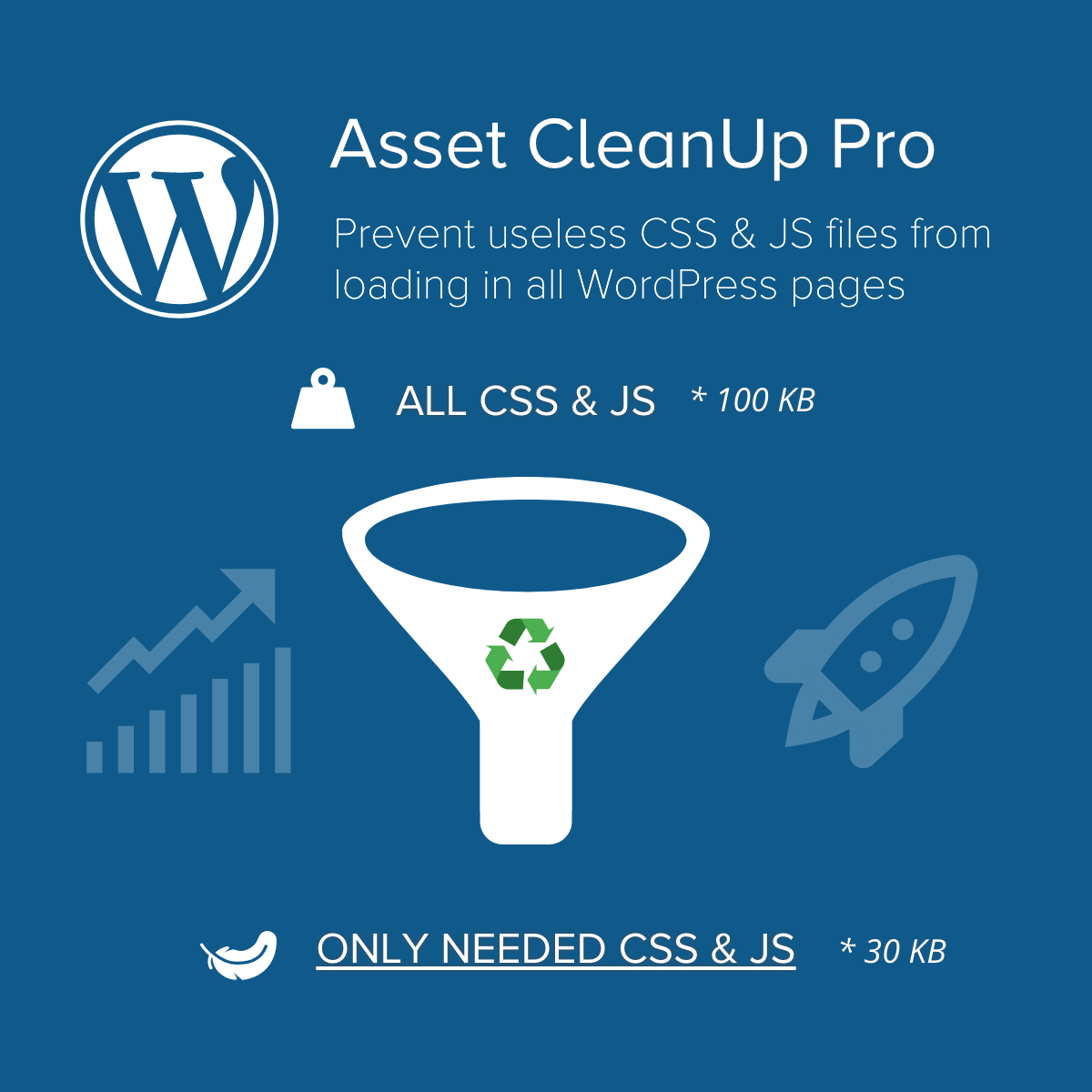
Asset CleanUp Pro Performance WordPress Plugin optimise la vitesse de votre site en désactivant les scripts et styles inutiles. Il améliore les temps de chargement et l'expérience utilisateur, tout en réduisant l'utilisation des ressources serveur. Idéal pour un site WordPress plus rapide et performant.

Comment télécharger Asset CleanUp Pro Performance WordPress Plugin

Accès illimité

Abonnez-vous pour seulement 10,90 €

Ou

Obtenir ce produit seulement avec mises à jour illimitées

Nous ne sommes pas affiliés avec Asset CleanUp Pro Performance WordPress Plugin ni avec ses développeurs ou propriétaires. Veuillez lire l'avis complet en pied-de-page.

COMMENT ÇA MARCHE

Mises à jour automatiques avec le plugin Club WPress

Regardez comment installer et mettre à jour vos plugins et thèmes WordPress en UN CLIC directement depuis votre tableau de bord.

ClubWordPress Updater Plugin

Fonctionnalités principales du Plugin WordPress « Asset CleanUp Pro Performance WordPress Plugin »

  • Optimisation des fichiers CSS et JavaScript – Désactivez les fichiers CSS et JavaScript inutilisés pour améliorer les performances de votre site.
  • Chargement conditionnel – Chargez des fichiers CSS et JavaScript uniquement sur des pages spécifiques où ils sont nécessaires.
  • Combinaison de fichiers – Combinez plusieurs fichiers CSS et JavaScript en un seul pour réduire le nombre de requêtes HTTP.
  • Minification – Réduisez la taille des fichiers CSS et JavaScript en supprimant les espaces et les commentaires inutiles.
  • Préchargement des ressources – Préchargez des fichiers CSS et JavaScript pour améliorer le temps de chargement des pages.
  • Gestion des polices de caractères – Optimisez le chargement des polices de caractères pour améliorer les performances.
  • Optimisation des images – Réduisez la taille des images pour améliorer les temps de chargement.
  • Support pour les plugins populaires – Compatible avec des plugins populaires comme WooCommerce, Contact Form 7, et bien d’autres.
  • Rapports de performance – Obtenez des rapports détaillés sur les performances de votre site et les améliorations possibles.
  • Interface utilisateur intuitive – Interface facile à utiliser pour gérer les optimisations sans avoir besoin de connaissances techniques approfondies.
Quoi de neuf (Journal des modifications - Changelog) dans Asset CleanUp Pro Performance WordPress Plugin version 1.2.7.2

  • = 1.2.7.2 25 May 2026
  • New: Apply lazy loading to images automatically (Location: « Settings » -« Resource Loading » -« Lazy Load »)
  • Improved the way the following attributes are added to the images: fetchpriority, loading and decoding (Location: « Settings » -« Resource Loading » -« Image Attributes »)
  • Improved hover behavior for nested « Asset CleanUp Pro » top admin bar submenus to reduce accidental menu closing during navigation
  • Refined several admin CSS rules to keep the plugin interface consistent with recent WordPress 7.0 admin layout changes
  • = 1.2.7.1 3 May 2026
  • New: Resource Loading – Control how images are loaded by adding attributes such as fetchpriority, loading and decoding based on custom rules (supports simple matching and RegEx). Read more:
  • Improved asset minification stability (library update)
  • Improved security for method « clearItemStorageForPost » within « OptimizeCommon »: Patchstack reported it as vulnerable to Broken Access Control
  • « Plugin Announcement » area: Make sure it slides up when it’s closed; The font-size has been increased; Fix: « Uncaught TypeError: usort(): Argument #1 ($array) must be of type array, string given in […]/classes/Admin/PluginAnnouncements.php:492 »
  • « License » area fix: « Uncaught Error: Call to a member function get_error_message() on array in […]/pro/classes/Admin/LicensePro.php:95 »
  • Plugin Filtering: Added extra safeguards to ensure plugin filtering only runs during appropriate web request contexts; Improved the MU plugin filtering logic to avoid unloading plugins in non-standard front-end contexts, including WP-CLI executions, front-end AJAX requests, and background requests such as wp-cron.php.
  • = 1.2.7.0 1 Nov 2025
  • Fix: When an asset’s position was changed, it was correctly saved in the database and displayed properly on the front-end. However, in the CSS/JS manager (within the Dashboard), the old position was still shown, which could cause confusion.
  • « License » page: Improved the speed of license verification to prevent timeout errors and avoid confusing the admin into thinking there was an issue with the license.
  • = 1.2.6.9 5 Aug 2025
  • « Plugins Manager » Fix: Unload and load exception via user role stopped working if the WordPress version is 6.8 or higher
  • Fix: « PHP Fatal error: Uncaught Error: Cannot use object of type WP_Error as array in […]/classes/Admin/MainAdmin.php:1167 » (when assets are fetched via « WP Remote POST » and for some reason the fetching fails, make sure no PHP error is generated and it prints the WP error resulted from the « wp_remote_post » function
  • = 1.2.6.8 30 Apr 2025
  • Multisite extra compatibility: The structure of the caching directory has been updated, and now each site has its own directory. When the cache is cleared, it will only scan the cached CSS/JS files belonging to the current website, thus saving resources and not affecting in any way the files belonging to other websites. If a switch is made from a single site to a multisite, the structure will be updated and all cache files will be re-created, while the older ones will be cleared after 30 days (to ensure no static cached HTML pages are still referencing them).
  • Hardcoded assets: Highlight the ones belonging to the ‘Slider Revolution’ plugin to make them easier to identify.
  • = 1.2.6.7 16 Apr 2025
  • Optimize JS: If a JS file is loading based on the media query set (e.g. only on mobile view), make sure that any associated inline JS that is printed « after » the main JS file, is triggered only after the main JS file is loading (if the media query matches), and never immediately to avoid JS « undefined » errors in the console and even broken functionality
  • Optimize JS: When the WordPress core file « wp-i18n » is unloaded, the SCRIPT tag is replaced with another tag (much ligther) keeping « setLocaleData » and other functions active to avoid JS errors being shown in the console (ideal for websites with just one language)
  • Optimize JS: When a JS asset is unloaded and the option ‘Ignore dependency rule and keep the « children » loaded’ is used, make sure the inline JS associated with the asset is also cleared to avoid any JS errors in the console or even broken page functionality
  • Improvement: Detect an attribute found in a tag without using RegEx (for faster PHP processing)
  • Fix: When using the « Direct » assets retrieval method, any unloaded plugins for the homepage, would not show up as unloaded in the CSS/JS manager, confusing the admin that the rules might not be applied
  • Fix: Avoid errors such as the following (in case plugin functions are called too early by external code): ‘Asset CleanUp’s object cache is not valid (from method « WpAssetCleanUpObjectCache::wpacu_cache_get »).’
  • = 1.2.6.6 12 Mar 2025
  • Fix: « CSS & JS Manager » -« Manage CSS/JS » -« Custom Taxonomy » was not showing the guiding information
  • Fix: When managing CSS/JS in the front-end view, plugin’s core JS file was not loading, causing some lack of functionality in the CSS/JS manager from the bottom of the page
  • = 1.2.6.5 20 Feb 2025
  • WPML compatibility (it works with other similar plugins as well): Make sure that whenever CSS/JS manager is used in the Dashboard, if the domain/subdomain is different (e.g. es.domain.com instead de.domain.com), the assets will be fetched without getting blocked by the browser’s CORS policy
  • Improvement for plugin’s JavaScript files: The main « script » file was split into two files, one containing the most common code that clears the caching and it’s used in many pages (e.g. when clicking the clear caching link from the top admin bar), which weights around 6% in comparison with the other files; This way, on many pages, fewer JavaScript code is loaded, thus reducing bandwidth for admin visits, and eliminating any potential conflicts with other JS files belonging to other plugins
  • Improvement (admin area): Prevent SweetAlert and extra CSS to load if there’s no CSS/JS manager loaded (e.g. edit post area)
  • Added « Check for updates » link below the plugin’s title in the « Plugins » page to force a recheck of the latest version in case there are errors such as « Update failed: The plugin is at the latest version. » when a plugin update is performed
  • Google Fonts Combine Fix: W3C Validator / ‘Error: Bad value for attribute href on element link: Illegal character in query: | is not allowed.’ The character ‘|’ is replaced with ‘%7C’
  • Fix: « Warning realpath(): open_basedir restriction in effect. File(/) is not within the allowed path(s): » Extra checks are made to bne sure that the error won’t be printed when features such as minify CSS are used
  • = 1.2.6.4 4 Feb 2025
  • New Feature For The Admin: « Settings » -« Plugin Usage Preferences » -« Announcements » / The admin would be notified within the Dashboard (if he/she prefers) of critical updates, new features, usage tips, special offers / read more:
  • Make sure plugin generated STYLE/SCRIPT inline tags (e.g. from features such as « Inline CSS/JS ») have the « type » attribute (unless the theme supports HTML5) / read more:
  • New Option in « Settings » -« Plugin Usage Preferences » « Plugins Manager » « IN FRONTEND VIEW (your visitors) »: « Additional Query Strings to Ignore for Homepage Detection » (new option to add extra query strings to be ignored for early homepage detection) / read more:
  • Added « Plugins Manager » tab to « Settings » -« Plugin Usage Preferences »: Configure settings related to the plugins loaded in both the front-end and the /wp-admin/ area; Tthe same settings were already added in the « Plugins Manager » main area; URI: /wp-admin/admin.php?page=wpassetcleanup_plugins_manager
  • Moved « CSS/JS Cache » tab into the « CSS/JS Manager » one and grouped options within the ‘CSS/JS Manager’ (for better readability)
  • Fix / Notice: « Function _load_textdomain_just_in_time was called incorrectly. Translation loading for the ‘wp-asset-clean-up’ domain was triggered too early. »
  • = 1.2.6.3 30 Jan 2025
  • Improvement: Plugin Updater / When using /?wpacu_force_plugin_updater in the Dashboard (e.g. in the « Plugins » page), the cache related to the latest detected version is cleared (e.g. in case the admin has problems updating the plugin, the query string can be used, before re-trying the plugin update)
  • Improvement: « Plugins Manager » Added the « currency » query string to the list of common strings that are ignored when an early detection is made for the homepage (e.g. www.yoursite.com/?currency=EUR is considered the homepage)
  • Fix: « Plugins Manager » « IN FRONTEND VIEW (your visitors) » / « Enable all the rules below » option / Make sure it always updates on click as there were issues with it in the previous release
  • Fix: « Plugins Manager » Sometimes, while being in the « IN FRONTEND VIEW (your visitors) » tab, errors were showing for the « IN THE DASHBOARD /wp-admin/ », thus, confusing the admin
...
>
Autres versionsDateTélécharger
Télécharger Asset CleanUp Pro Performance WordPress Plugin 1.2.7.16252620 Nous rejoindre
Télécharger Asset CleanUp Pro Performance WordPress Plugin 1.2.7.025/06/2026 Nous rejoindre
Télécharger Asset CleanUp Pro Performance WordPress Plugin 1.2.6.905/09/2026 Nous rejoindre
Télécharger Asset CleanUp Pro Performance WordPress Plugin 1.2.6.804/04/1970 Nous rejoindre
Télécharger Asset CleanUp Pro Performance WordPress Plugin 1.2.6.707/08/2025 Nous rejoindre
Télécharger Asset CleanUp Pro Performance WordPress Plugin 1.2.6.606/05/2025 Nous rejoindre
Télécharger Asset CleanUp Pro Performance WordPress Plugin 1.2.6.406/02/1970 Nous rejoindre
Télécharger Asset CleanUp Pro Performance WordPress Plugin 1.2.6.305/06/2025 Nous rejoindre
Télécharger Asset CleanUp Pro Performance WordPress Plugin 1.2.6.205/06/2025 Nous rejoindre
Télécharger Asset CleanUp Pro Performance WordPress Plugin 1.2.6.001/02/2025 Nous rejoindre
Télécharger Asset CleanUp Pro Performance WordPress Plugin 1.2.5.901/02/2025 Nous rejoindre
Télécharger Asset CleanUp Pro Performance WordPress Plugin 1.2.5.812/06/2024 Nous rejoindre
Télécharger Asset CleanUp Pro Performance WordPress Plugin 1.2.5.712/06/2024 Nous rejoindre
Télécharger Asset CleanUp Pro Performance WordPress Plugin 1.2.5.612/06/2024 Nous rejoindre
Télécharger Asset CleanUp Pro Performance WordPress Plugin 1.2.5.508/08/2024 Nous rejoindre
Télécharger Asset CleanUp Pro Performance WordPress Plugin 1.2.5.402/09/2024 Nous rejoindre
Télécharger Asset CleanUp Pro Performance WordPress Plugin 1.2.5.302/09/2024 Nous rejoindre
Télécharger Asset CleanUp Pro Performance WordPress Plugin 1.2.5.208/08/2024 Nous rejoindre
Télécharger Asset CleanUp Pro Performance WordPress Plugin 1.2.5.108/08/2024 Nous rejoindre
Télécharger Asset CleanUp Pro Performance WordPress Plugin 1.2.5.008/08/2024 Nous rejoindre

Rejoignez le Club maintenant !

Accédez à 19601 produits pour seulement €10,90 par mois.

NOUS REJOINDRE

Avis